
Calling the Muse Spark 1.2 API: A 15-Minute Setup Guide
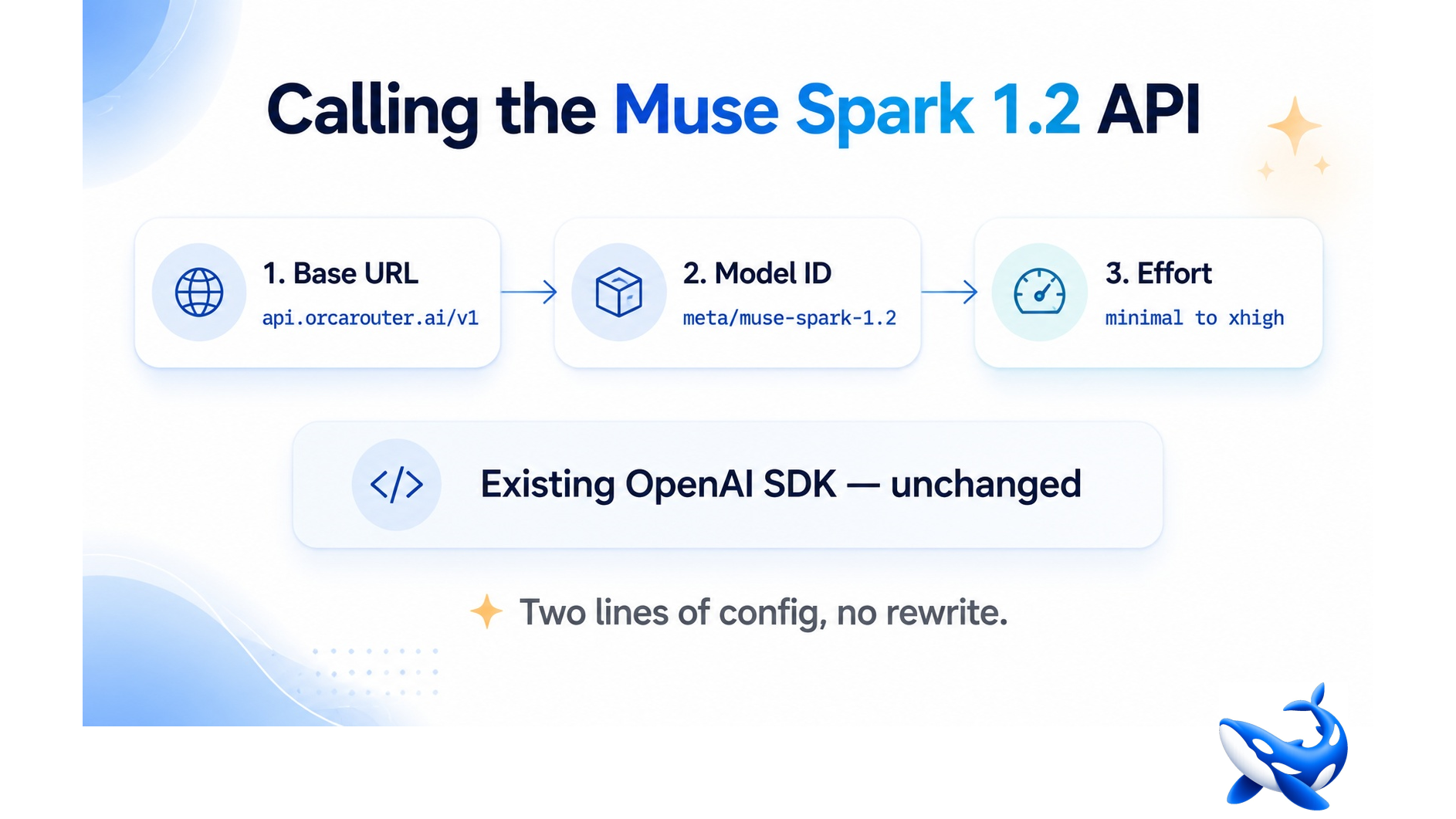
The Muse Spark 1.2 API speaks the OpenAI chat-completions dialect, so if your codebase already talks to an OpenAI-compatible endpoint there is barely anything to integrate — a base URL, an API key and a model string, and you can have a first response inside fifteen minutes. It is available from Meta’s own API and from third-party platforms that route to it; the examples below use OrcaRouter’s endpoint, which passes Meta’s list price through at 0% markup and puts the model behind the same key as 200-plus others. For background on what the model is and where its benchmark claims come from, start with our model explainer.
This piece is the hands-on part: the minimum call, the one parameter that changes your bill, and the two things that will surprise you in production.
The minimum viable call
Python, using the standard OpenAI SDK:
“`python
from openai import OpenAI
client = OpenAI(
base_url=”https://api.orcarouter.ai/v1″,
api_key=”YOUR_ORCAROUTER_KEY”,
)
resp = client.chat.completions.create(
model=”meta/muse-spark-1.2″,
messages=[
{“role”: “system”, “content”: “You are a careful senior engineer.”},
{“role”: “user”, “content”: “Explain what this stack trace implies about our retry logic.”},
],
)
print(resp.choices[0].message.content)
“`
TypeScript is the same shape:
“`typescript
import OpenAI from “openai”;
const client = new OpenAI({
baseURL: “https://api.orcarouter.ai/v1”,
apiKey: process.env.ORCAROUTER_API_KEY,
});
const resp = await client.chat.completions.create({
model: “meta/muse-spark-1.2”,
messages: [{ role: “user”, content: “Review this migration for lock contention.” }],
});
console.log(resp.choices[0].message.content);
“`
And streaming, which you will want for anything a human is waiting on:
“`python
stream = client.chat.completions.create(
model=”meta/muse-spark-1.2″,
messages=[{“role”: “user”, “content”: “Refactor this module for testability.”}],
stream=True,
)
for chunk in stream:
delta = chunk.choices[0].delta.content
if delta:
print(delta, end=””, flush=True)
“`
That’s the whole integration. What follows is the part that actually determines whether it works well for you.
The one parameter that changes everything
Muse Spark 1.2 always reasons — you cannot turn it off — but you can choose how hard, on a five-step dial: `minimal`, `low`, `medium`, `high`, `xhigh`. The default is `medium`.
This is the most consequential setting in the whole integration, for two reasons.
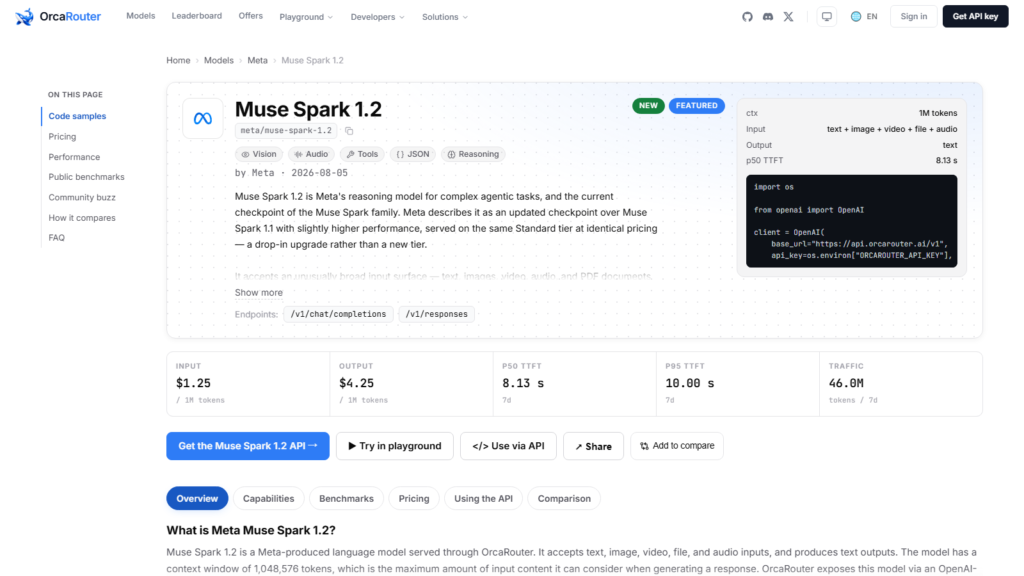
Reasoning tokens bill as output. At $4.25 per million output tokens, a model that thinks at length is a model that costs money to think. Artificial Analysis measured Muse Spark 1.2 consuming 95 million output tokens to complete its Intelligence Index, against a roughly 70-million median for comparable models — and $0.40 per task, up from $0.29 for version 1.1 at identical list pricing.
Every benchmark number you’ve read is `xhigh`. The 82.9% Terminal-Bench figure Meta publishes, the Intelligence Index score of 57 on Artificial Analysis’ live board, the 71.88% Vals Index result — all of them are the maximum-effort configuration. If you deploy on the `medium` default and compare your results to a published benchmark, you are not measuring the same thing.
A reasonable starting policy: `xhigh` for genuinely hard, one-off analysis; `medium` for interactive development work; `low` or `minimal` for classification, extraction, routing and anything else where the answer isn’t a reasoning problem. Measure the quality difference on your own tasks before assuming the higher setting earns its cost.
Budget for latency, not just tokens
This model is slow, and it is worth knowing that before you put it behind a user-facing feature.
Artificial Analysis publishes no output-speed or time-to-first-token figure for Muse Spark 1.2 at all — both fields read N/A on its model page — so production telemetry is the only latency data available. On OrcaRouter’s own seven-day window the model shows a p50 time to first token of 7.73 seconds and a p95 of 10.00 seconds. For contrast, Muse Spark 1.1 on the same infrastructure and same price sits at 1.93 seconds p50. Vals AI’s independent runs took roughly 610 seconds per test.
That’s a four-fold first-token regression against its own predecessor, and it is the clearest practical difference between the two versions. It is not a defect — it is what the extra deliberation costs. But it makes the deployment shape obvious: background jobs, batch processing, agent loops and code review pipelines are fine; autocomplete and chat are not.
Caching, context and the practical limits
• Context window is 1,048,576 tokens, with a maximum output of 131,072. A large repository genuinely fits.
• Cached input costs $0.15 per million against $1.25 — an 88% saving. Coding workloads that resend a stable codebase context on every call are close to the ideal case, so structure your prompts to keep the invariant part first and stable.
• Rate limits depend on the tier. Meta’s standard tier runs around 3,000 requests per minute; its contributor tier is capped at 60 RPM, which is 2% of that and will not carry a parallel agent workload.
• Web-search grounding, where available, bills separately at $2.50 per 1,000 queries.
• Multimodal input — text, images, video, files and PDFs — goes in through the usual content-parts array. Meta’s documentation is inconsistent about audio support, so verify it against your own account rather than trusting a spec table.
Don’t make it a single point of failure
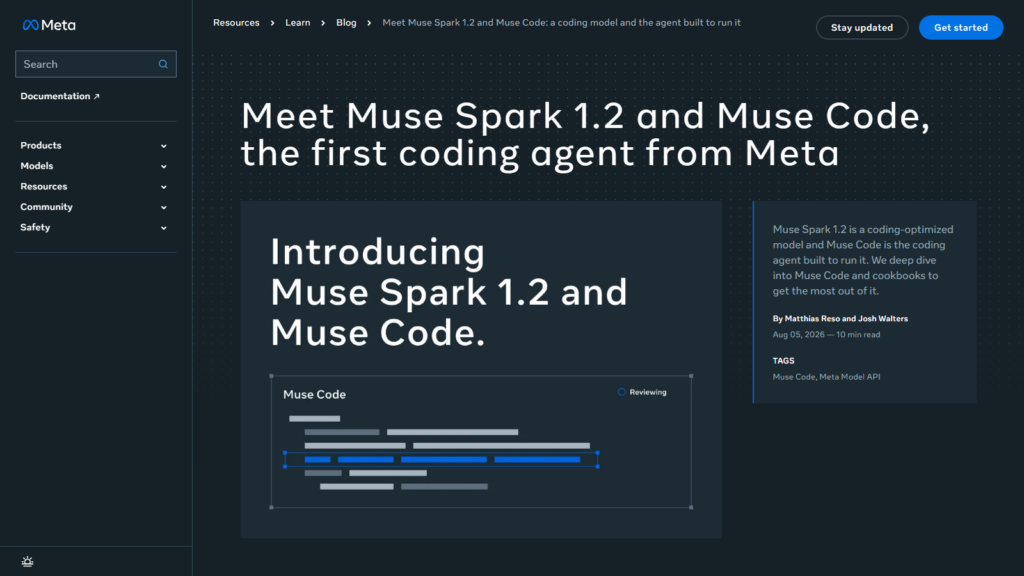
Muse Spark 1.2 is weeks old. Meta has shipped three versions of this model in four months, the agent it was co-trained with is still in public beta, and the independent benchmark picture is unsettled enough that reasonable people disagree about how good it is.
None of that is a reason to avoid it. It is a reason to deploy it the way you’d deploy any new dependency: behind an abstraction, with a fallback, and with the ability to switch without a code change. Routing it through a platform that carries alternatives on the same key gives you that for free — if the model regresses, gets deprecated, or simply turns out to be wrong for your workload, you change a string rather than a codebase. Automatic failover across providers covers the more boring failure mode of a bad afternoon on someone’s inference cluster.
The takeaway
Integrating the Muse Spark 1.2 API takes minutes because it is OpenAI-compatible; the work is in the three decisions that follow. Set the reasoning effort deliberately rather than inheriting the default. Plan for a seven-second first token, not a one-second one. And keep a second model reachable on the same key, because a model this new hasn’t earned the right to be the only thing standing between your users and an error page.
Sourcing note: pricing, rate limits, context window and modality support are Meta’s published figures. Token consumption and cost-per-task come from Artificial Analysis; per-test latency from Vals AI; p50 and p95 time-to-first-token are OrcaRouter’s own seven-day production telemetry. Checked August 7, 2026.